Overview
With Launcher you can easily navigate to various locations. Launcher is always available in Sitecore context.
Call the Launcher dialog with Ctrl + Space.
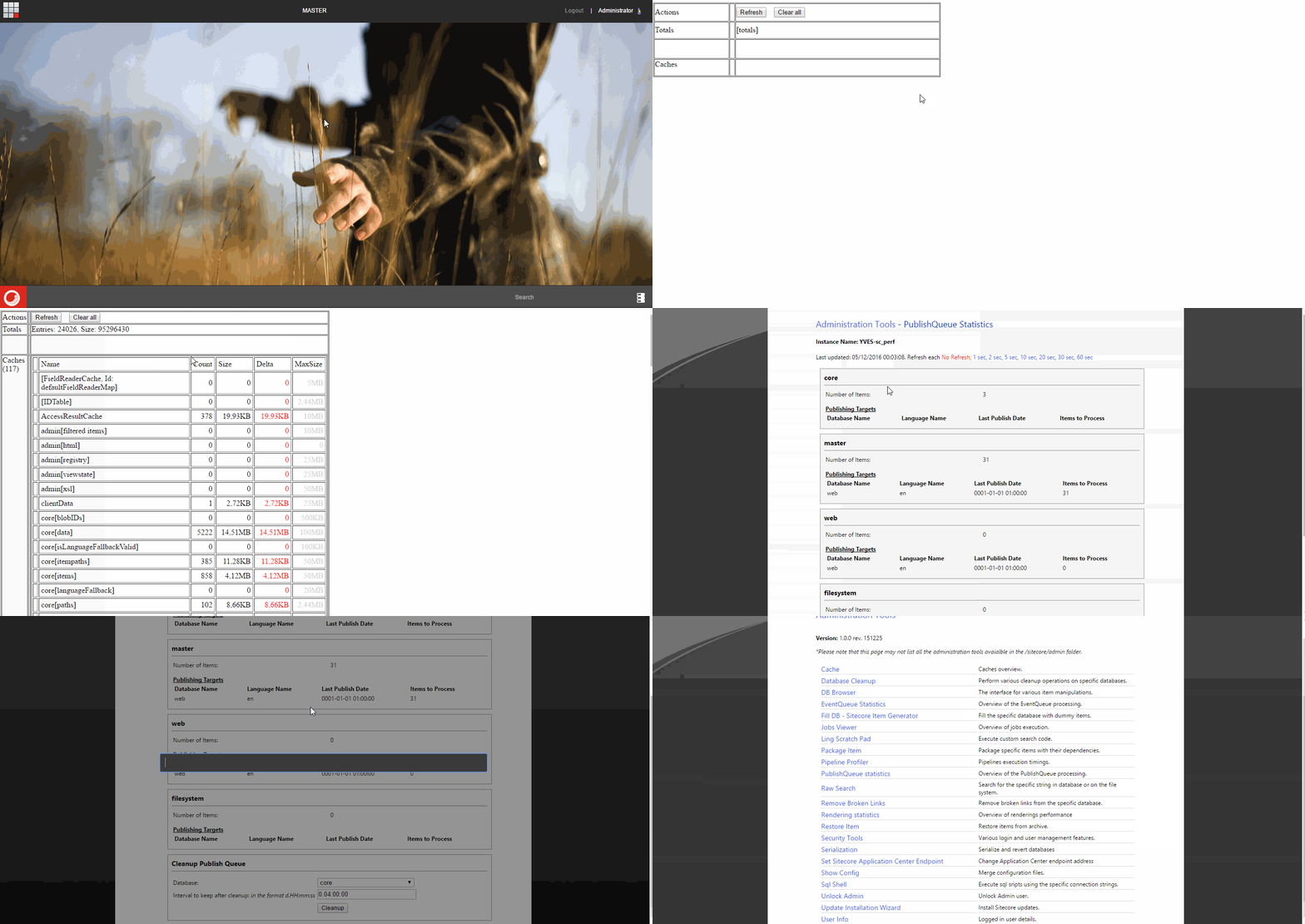
You can feel the power of Launcher when using it in Content Editor. Forget about jumping from one tab to another. Use the intelligent fuzzy search engine and execute any command from the Ribbon.
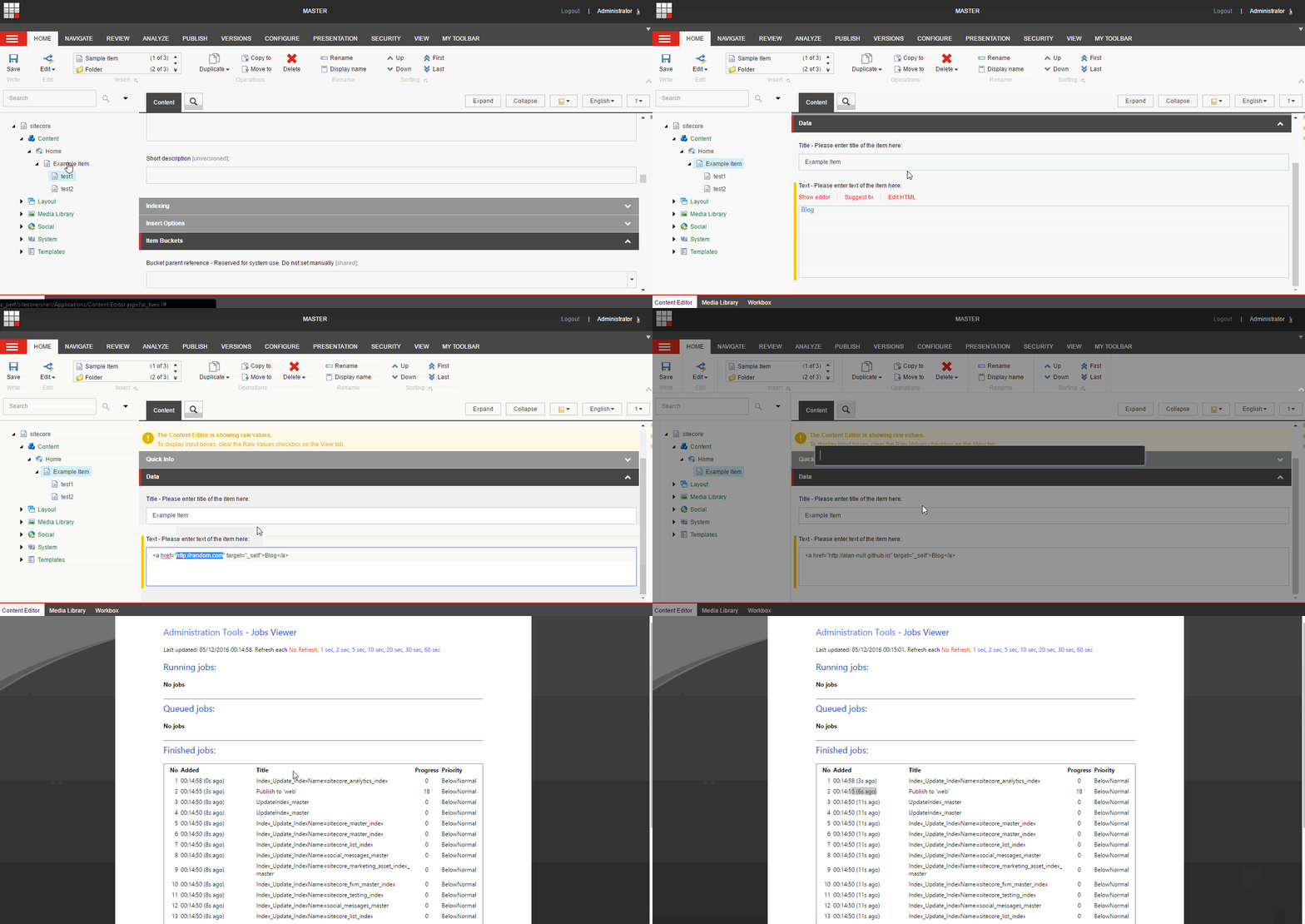
Each command defines whether it can be executed. On a particular page, you see only commands that can be successfully invoked.
Modes
Launcher can work with two modes: command and search.
Command mode
This is the default mode. You can invoke commands available in the current context.
By default, each navigation command opens in the current window. To open a command in a new tab, use Ctrl + Enter when executing it from Launcher.
Search mode
Type # at the beginning to switch Launcher into instant search mode. With the hash at the beginning, you can search all Sitecore content. Like Sitecore instant search, it also accepts item IDs.
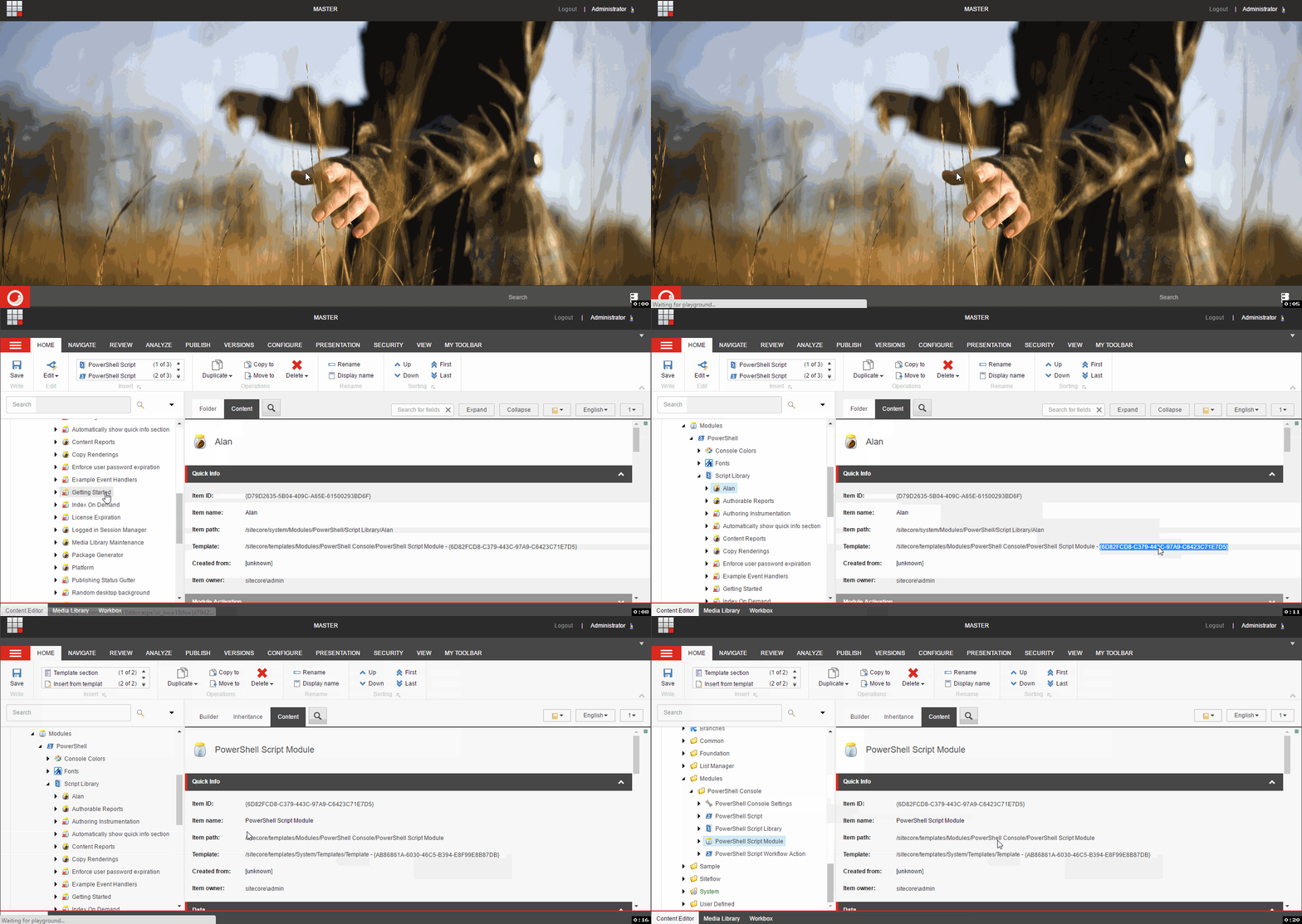
Last used commands
Launcher exposes previously used commands immediately after it appears, which is useful when repeating a small set of commands.
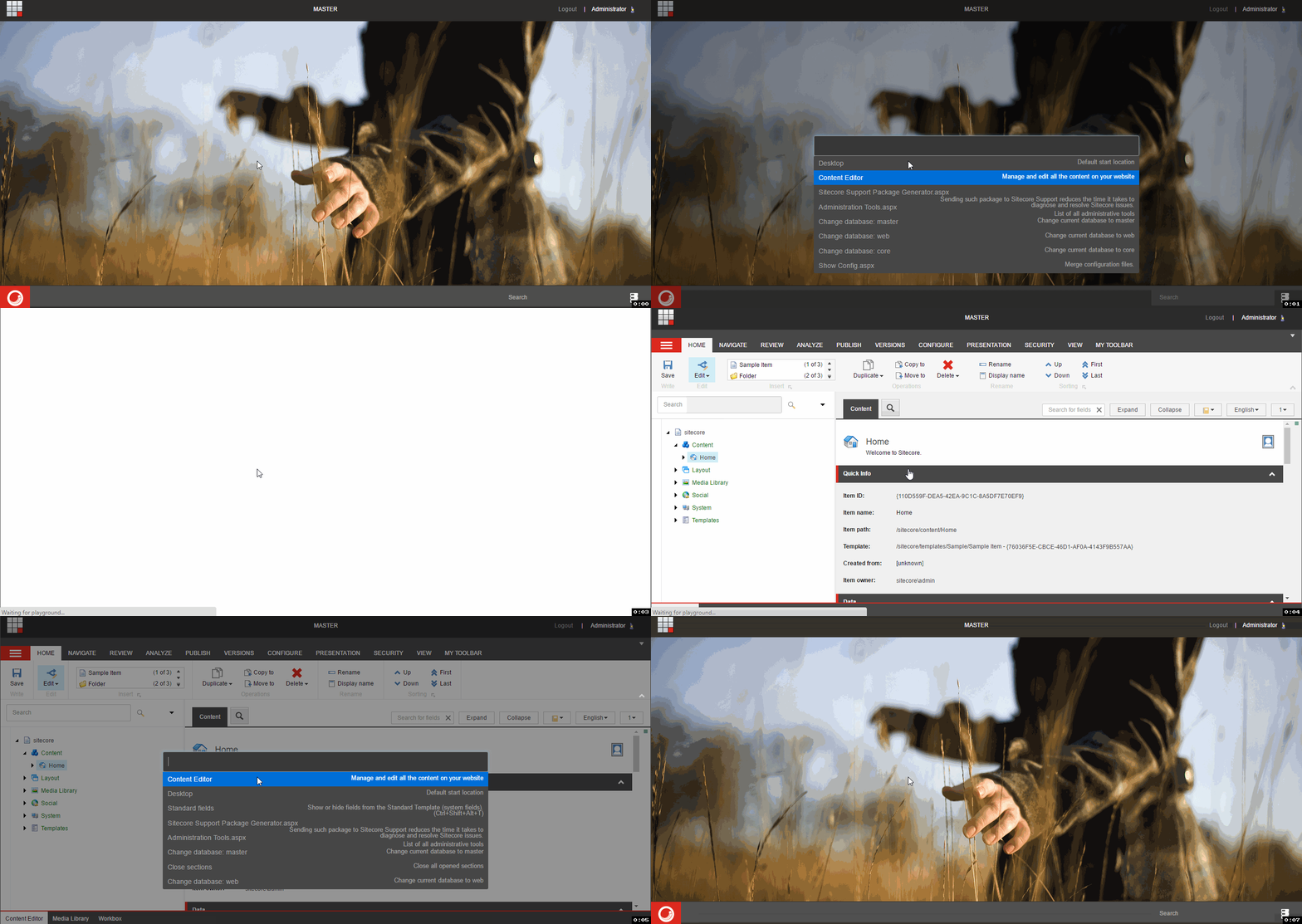
See the available commands.